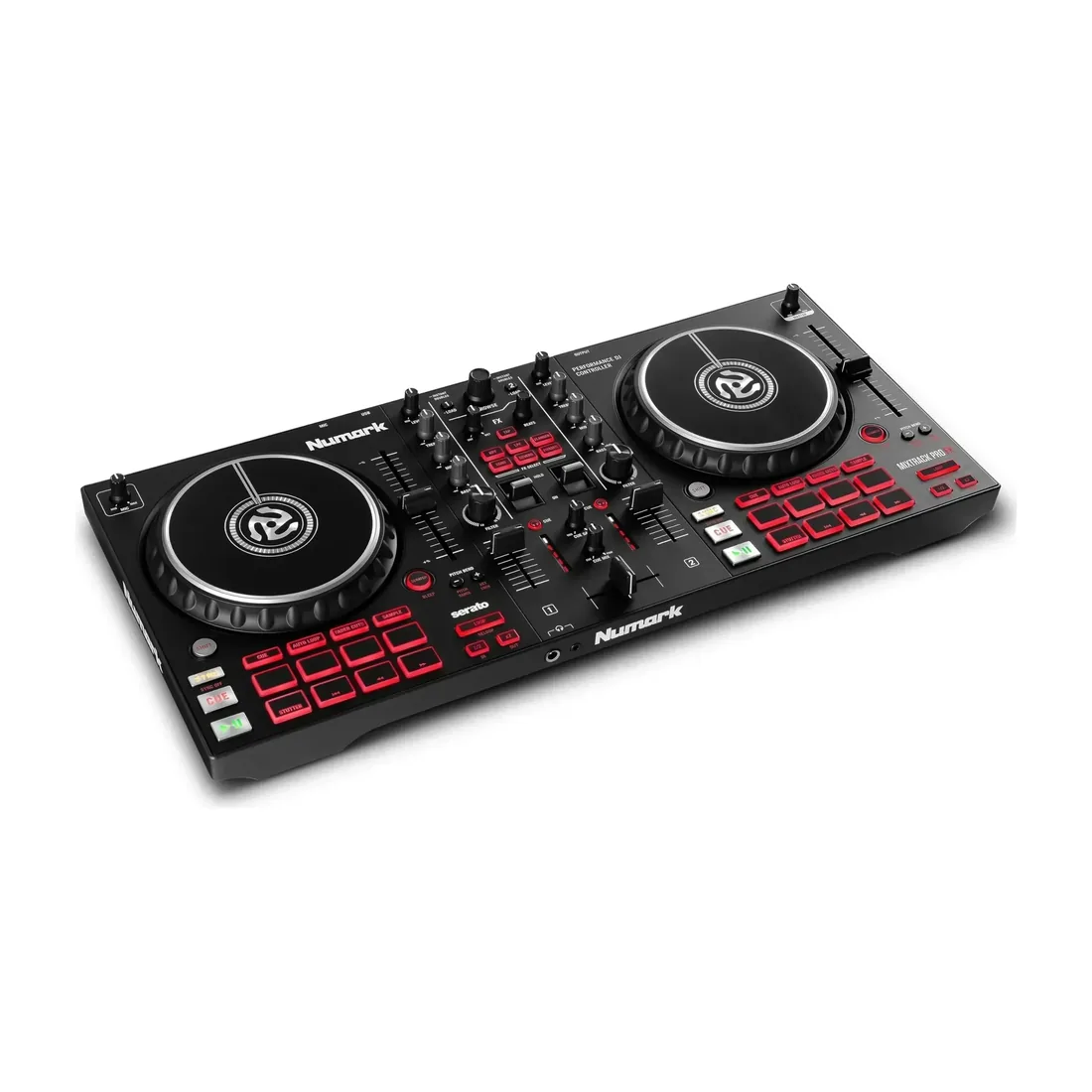
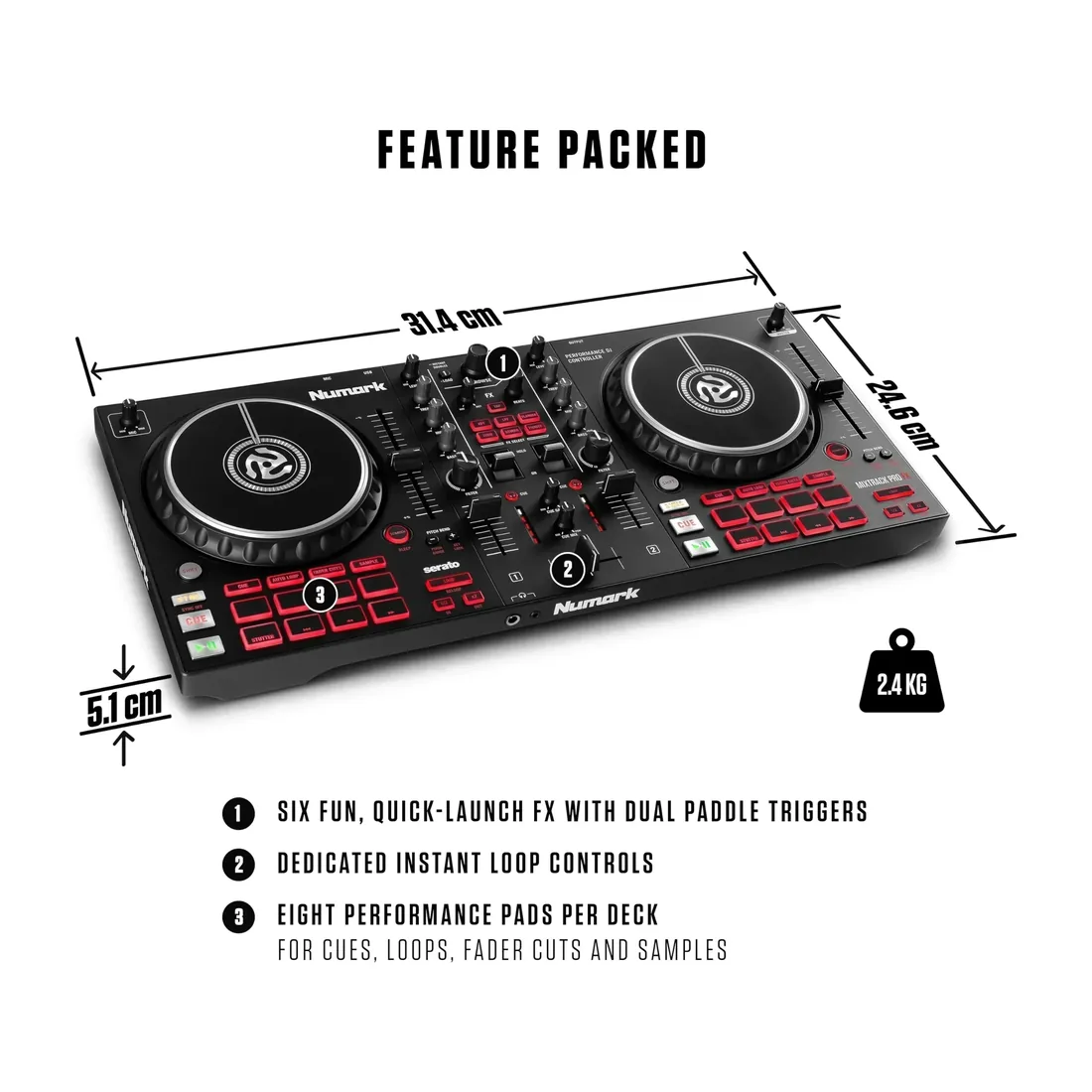
By far the most-reviewed product in this whole comparison (1,848 reviews, 4.5/5 average). The pattern is very consistent: lightweight, easy to set up, and surprisingly capable even for those past the absolute-beginner stage. Barely any recurring complaints beyond what you'd expect at this price point.
Roland5 out of 5 stars
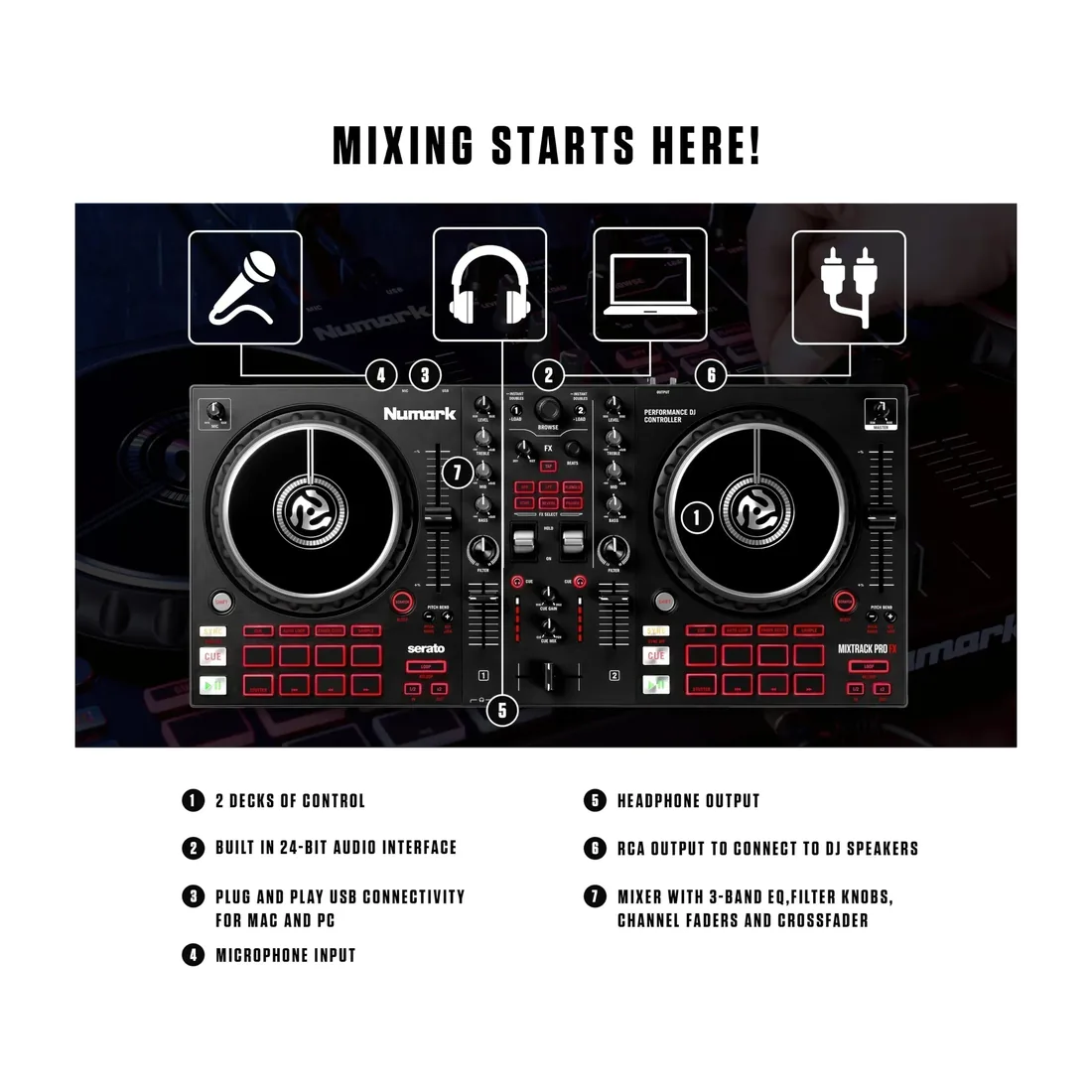
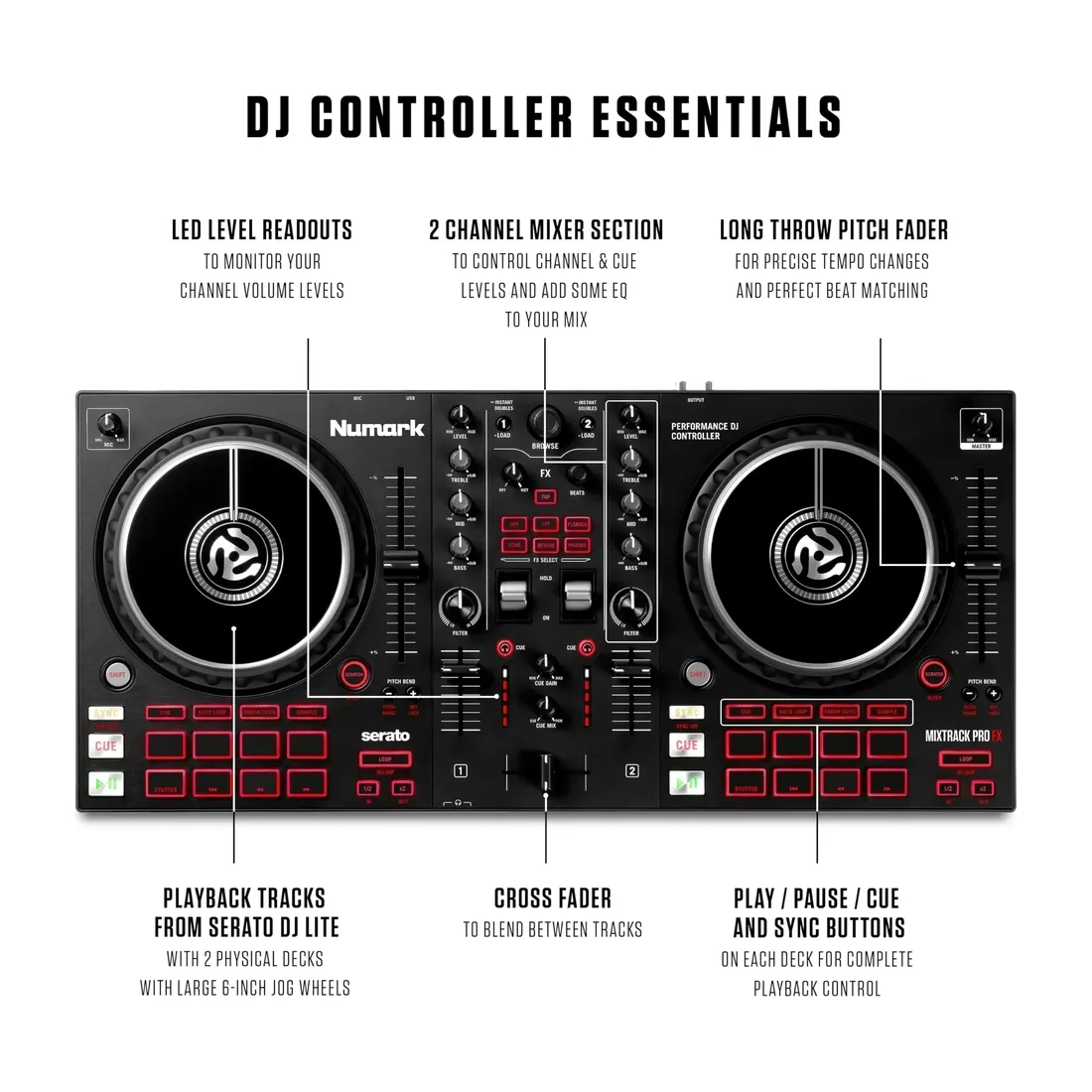
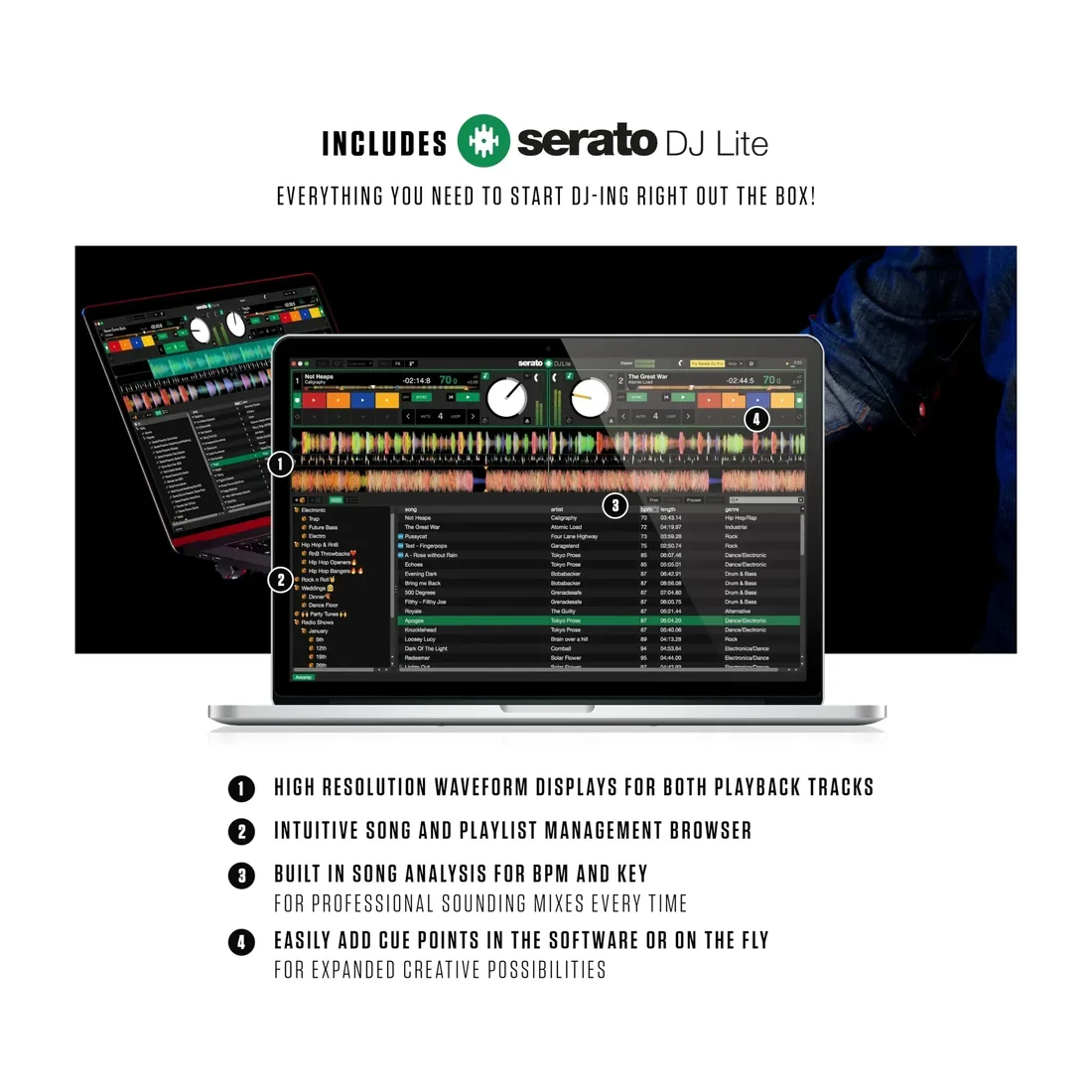
I picked up the Numark Mixtrack Pro FX as part of building out my karaoke setup, and after actually putting it to work during my karaoke nights, I can say I’m extremely happy with this controller. My use may be a little different from someone buying this strictly to DJ. I run my karaoke software on a completely separate computer for handling the singers, while this controller and Serato are used for the entertainment music that I play in between singers. That setup allows me to keep music going while I’m getting the next singer ready instead of having those awkward stretches of dead air between songs. For that purpose, the Mixtrack Pro FX has worked out extremely well. Before taking any of this out for an actual karaoke night, I set the entire system up at home and ran it exactly how I intended to use it. I wanted to work through the connections, audio routing, Serato, cueing and the general workflow ahead of time rather than standing in front of a crowd trying to figure something out. That home test gave me a chance to get comfortable moving between my karaoke computer and the separate computer running Serato with the Numark controller. When it was finally time to take everything out for a live karaoke night, I already knew the setup worked and could concentrate on running the event instead of troubleshooting equipment. I do have some DJ experience from when I was younger, so the basic layout made sense to me pretty quickly, but I certainly wouldn’t consider myself a professional DJ today. In fact, I know there are features on this controller that I haven’t even scratched the surface of yet. That is probably one of the things I like most about it. I was able to get up and running without having to understand every button and feature first, but there is plenty here for me to grow into as I get more comfortable with Serato and start experimenting more. Setup was surprisingly easy. Connecting the controller to my computer and getting it working with Serato was pretty straightforward. I’m really enjoying Serato so far, especially now that I have my music library organized the way I want it. Once everything was set up and synced, the combination of Serato and the Mixtrack Pro FX made managing my entertainment music much easier than trying to handle everything from the computer itself. The physical controls are probably what I appreciate the most. Having dedicated volume controls for each side makes blending from one song into another quick and natural. Cueing is also extremely easy. The illuminated push buttons are easy to identify, which is especially helpful when I’m working in a darker environment during an event. I can quickly cue something in my headphones, make sure I have the track I want, and get it ready without interfering with what everyone else is hearing. The large jog wheels feel great as well. I’m not doing a ton of scratching with this controller, but having that amount of physical control is nice when I want to move around inside a track or make a quick adjustment. The controller has a good size to it without feeling ridiculously large, and the controls are spaced well enough that I don’t feel like everything is crammed together. I also like having the EQ, filter, channel faders, and crossfader directly in front of me. Even with the relatively simple mixing I’m doing between karaoke singers, it gives me much more control over how I transition from one track to another. Instead of simply stopping one song and starting another, I can actually blend the music and keep the night flowing. There are also performance pads, effects, looping controls, and the FX paddles that I honestly haven’t fully explored yet. I’d rather say that than pretend I’m using every feature just because it’s there. Right now, I’m using the features that make sense for my particular setup, and the controller has already exceeded what I originally needed it to do. As I become more comfortable with Serato, I can see myself gradually incorporating more of those features. Another big advantage is having the audio connections built into the controller. Headphone monitoring is important for the way I work because I can preview and cue music before sending it out to the room. Having the RCA output, headphone connection, and microphone input gives you a lot of flexibility depending on how your sound system is configured. After using the Mixtrack Pro FX during actual karaoke nights, I think it hits a really nice middle ground. It’s approachable enough that someone learning Serato can get started without being overwhelmed, but there are enough controls and features here that I don’t feel like I’m going to outgrow it anytime soon. For me, the biggest compliment I can give it is that once the karaoke night gets moving, I’m not really thinking about the controller. I’m thinking about the next singer, the music I want to play, and keeping the room entertained. The Mixtrack Pro FX simply becomes part of the workflow. The controls I need are right there, cueing is fast, the illuminated buttons are easy to see, and transitioning between songs feels natural. I still have a lot to learn about everything this controller can do, but based on the features I’m actually using, I really like it. It has taken my music setup between karaoke singers from simply playing songs to something that feels much more like an actual DJ presentation. For someone getting into DJing, running karaoke like I am, or simply looking for a controller that gives you room to learn and grow, I think the Numark Mixtrack Pro FX is an excellent choice.
✓ Amazon
Wayne Thomas5 out of 5 stars
Does exactly what it said it would do. Easy to set up, easy to use. Great value. Great functionality. Easy controls.
✓ Amazon